apps / video
Beyond Camtasia: screen recorders actually worth switching to
The best Camtasia alternatives in 2026: from free native macOS recorders to open-source tools, cloud-first async video, and transcript-based editors.
Updated:
Camtasia is a full-featured screen recorder and video editor available on macOS and Windows. It includes templates, annotations, transitions, and cursor effects, making it a long-standing choice for training videos, tutorials, and any production where fine editing control matters. Here are some tools commonly used as alternatives to Camtasia.
ScreenKite
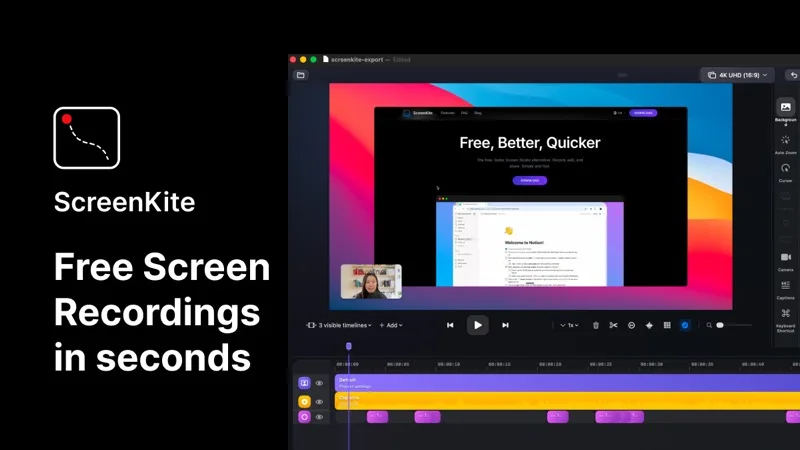
ScreenKite is a free, native macOS screen recorder built in Swift using Apple's ScreenCaptureKit and Metal frameworks. It auto-zooms into clicks and keystrokes as you record, producing polished demo videos without manual editing. It exports 3-4x faster than Screen Studio and is currently free with no watermark or account required. macOS 14.0+ only.
OBS Studio
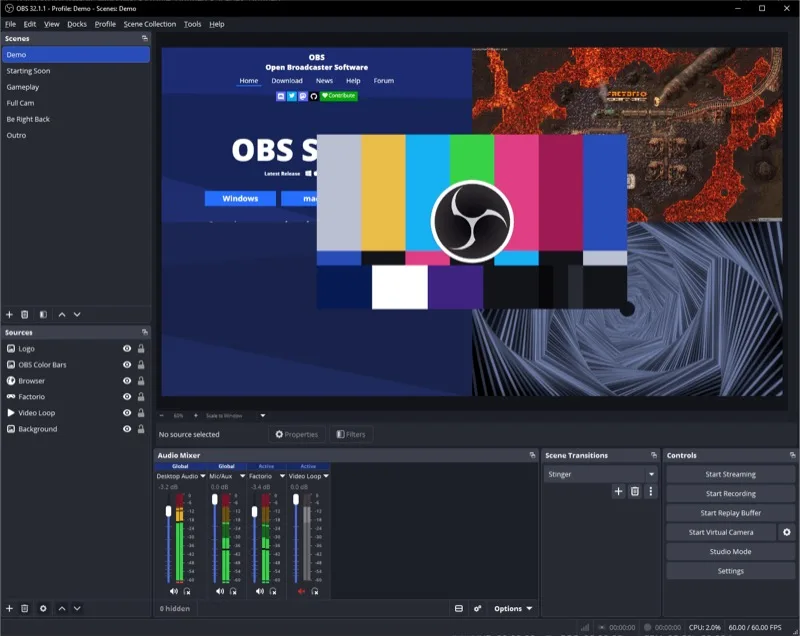
OBS Studio is a free, open-source screen recorder and streaming tool available on macOS, Windows, and Linux. It offers a scene-and-source system with extensive plugin support for highly flexible recording setups. No built-in editor, but unmatched control over your recording pipeline.
Loom
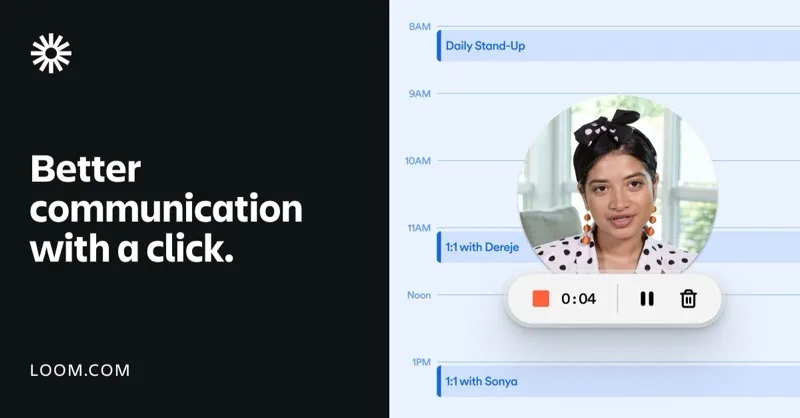
Loom is a cloud-first async video tool that records screen plus webcam and auto-generates captions and transcripts. Its strength is quick record-and-share for teams, not heavy post-production. The free tier has a time limit; paid plans unlock AI summaries and unlimited recording.
Descript

Descript is a video and audio editor that lets you edit recordings by editing a transcript. It includes screen recording, AI filler-word removal, and multi-track editing. A modern alternative for users who find Camtasia's timeline editor outdated.
Each tool trades off differently — native performance with auto-zoom, open-source flexibility, cloud-first simplicity, or transcript-based editing. Pick the one that matches your actual production workflow.