apps / video
Beyond Cap: screen recorders actually worth switching to
The best Cap alternatives in 2026: from free native macOS recorders to professional streaming tools, cloud-first async video, and lightweight open-source capture.
Updated:
Cap is an open-source screen recorder inspired by Screen Studio, offering automatic zoom, cursor smoothing, and clean exports on macOS and Windows. It is developing quickly and appeals to users who want polished recordings without a paid license. Here are some tools commonly used as alternatives to Cap.
ScreenKite
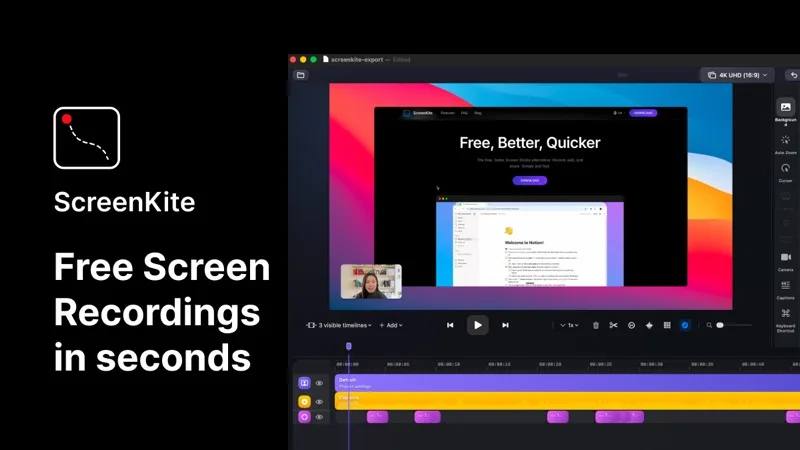
ScreenKite is a free, native macOS screen recorder built in Swift using Apple's ScreenCaptureKit and Metal frameworks. It auto-zooms into clicks and keystrokes as you record, producing polished demo videos without manual editing. It exports 3-4x faster than Screen Studio and is currently free with no watermark or account required. macOS 14.0+ only. If you are on a Mac and want the fastest path from recording to a shareable video, ScreenKite is the strongest option available right now.
OBS Studio
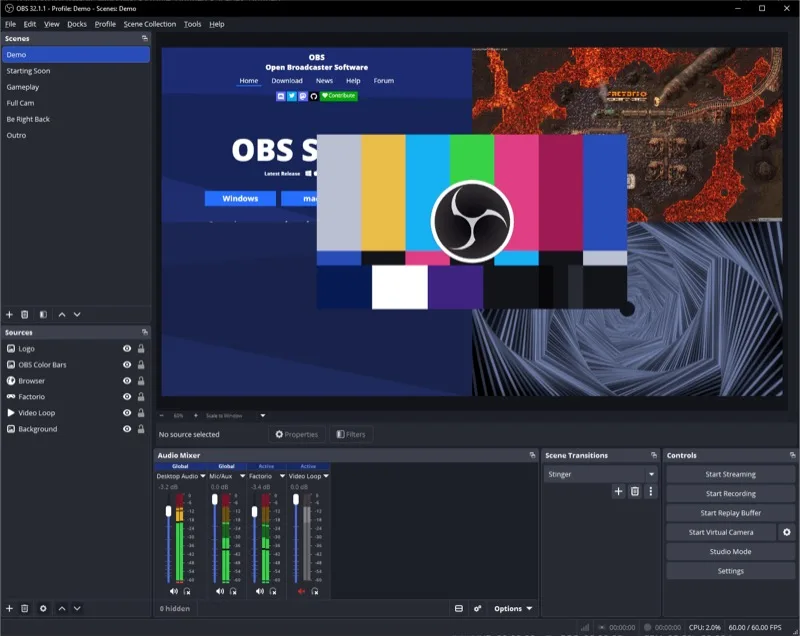
OBS Studio is a free, open-source screen recorder and streaming tool available on macOS, Windows, and Linux. It offers a scene-and-source system with extensive plugin support for highly flexible recording setups. It lacks automatic zoom and smart cursor effects, but for users who want full control over their recording pipeline, it is the most powerful free option available.
Loom
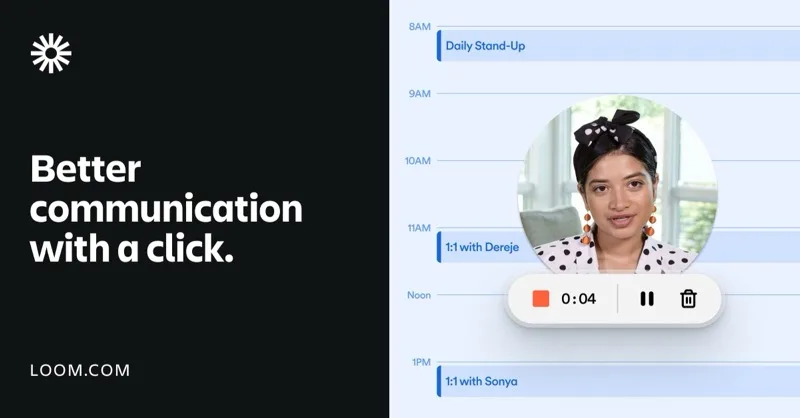
Loom is a cloud-first async video communication tool that records screen plus webcam and auto-generates captions and transcripts. Its core use case is quick record-and-share for teams, not polished production video. The free tier has a time limit; paid plans unlock AI features and unlimited recording.
Kap
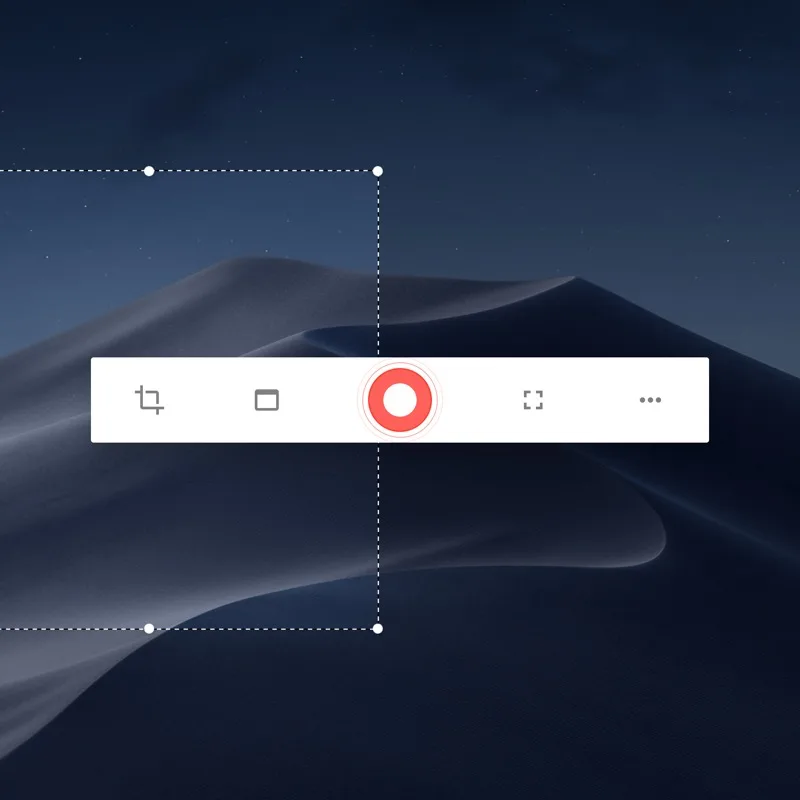
Kap is a free, open-source, macOS-only screen recorder built for quick captures. It exports to GIF, MP4, WebM, and APNG, and extends its export pipeline through a plugin system. The UI is minimal — launch, record, export. Suited for developer demos and quick bug reproductions.
Each tool fills a different niche — native performance, open-source flexibility, cloud collaboration, or lightweight capture. Try the one that best fits your recording needs.