software / tools
Figma Alternatives Designers Actually Use
A look at the real Figma alternatives designers are using in 2026: from open-source to Mac-native, one-time purchase to free cross-platform.
Updated:
Figma is a browser-based UI/UX design tool known for real-time collaboration, component-based design systems, and a massive plugin ecosystem. It's been the default choice for product designers over the past few years. Here are some tools designers often turn to as Figma alternatives.
Penpot
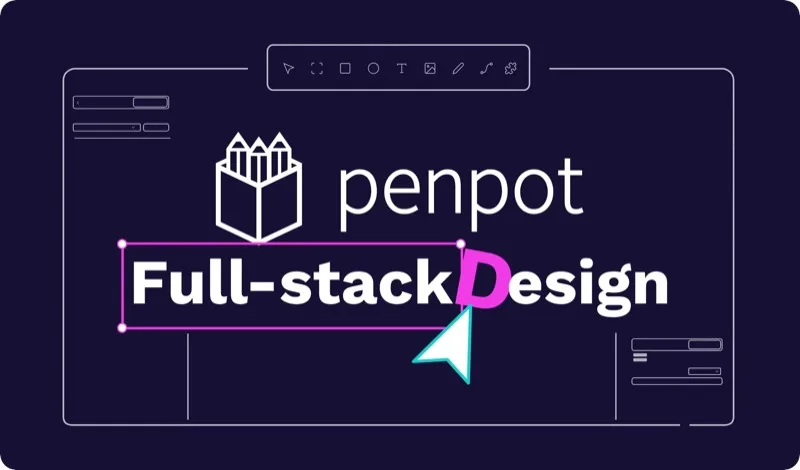
Penpot is a fully open-source browser-based UI/UX design tool with real-time collaboration, design systems, Flex Layout, and SVG-native workflows. It can be self-hosted, keeping all your design data on your own servers — making it one of the most complete open-source options available.
Sketch
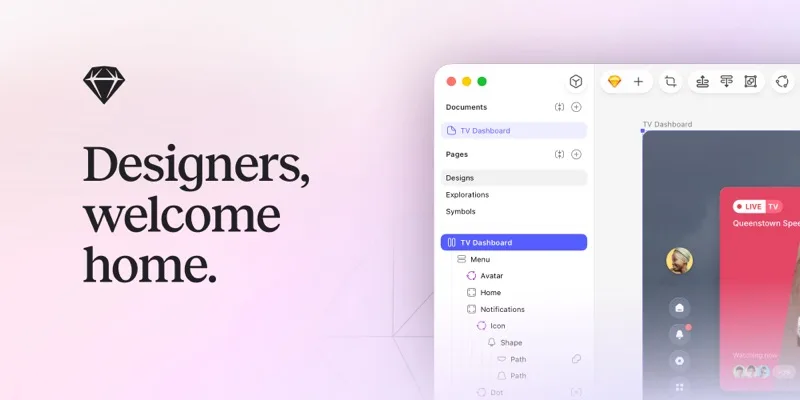
Sketch is a long-standing UI design tool for macOS, known for its native performance, smooth feel, and mature plugin ecosystem. It has added cloud collaboration in recent years, but at its core it remains an offline-first desktop experience.
Framer
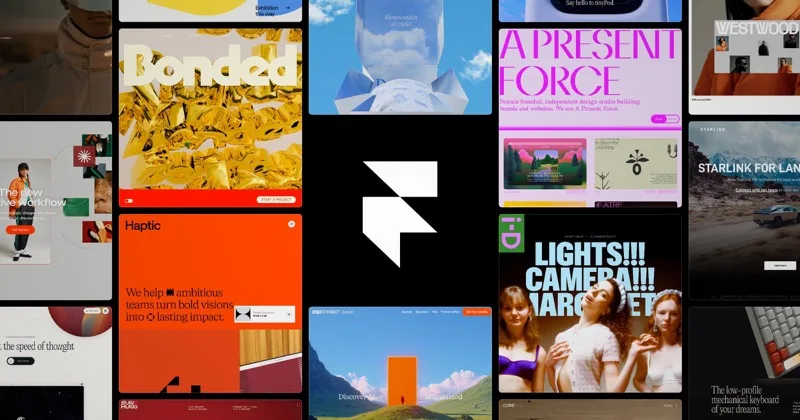
Framer merges UI design, motion prototyping, and website publishing into one workflow — designs can be published directly as production websites, complete with a built-in CMS and AI-assisted generation. It's particularly strong for interactive animations and landing page design.
Adobe XD

Adobe XD is Adobe's UI/UX tool covering prototyping, design, and collaboration workflows. It integrates smoothly with Photoshop and Illustrator, making it nearly zero learning curve for designers already in the Adobe ecosystem.
Affinity Designer
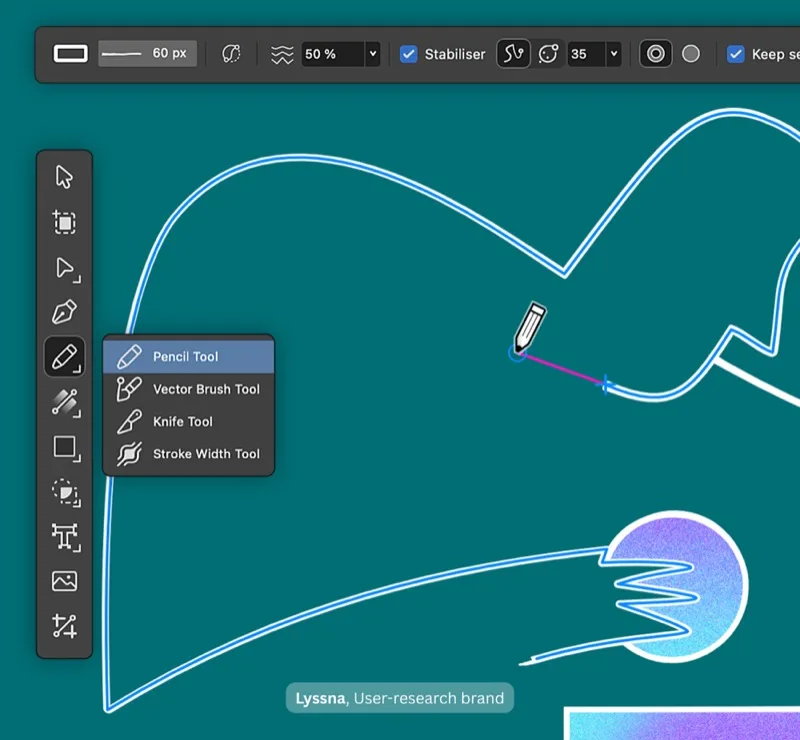
Affinity Designer is a professional-grade vector design tool with a one-time purchase model. It excels at vector illustration, detailed graphics work, and has strong compatibility with Illustrator files.
Lunacy
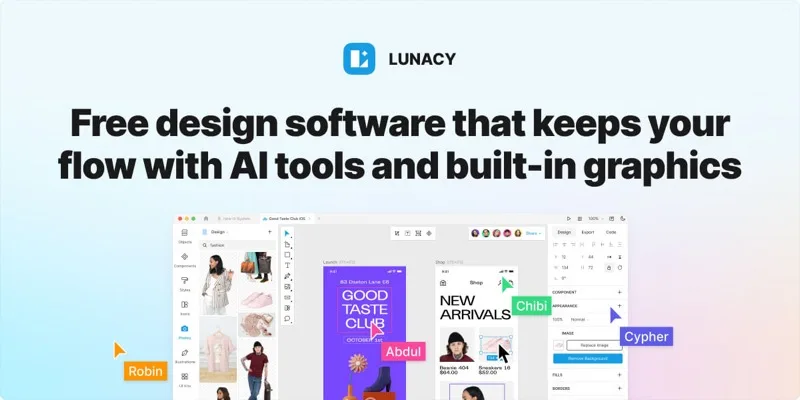
Lunacy is a free cross-platform design tool by Icons8, available on Windows, macOS, and Linux. It natively supports Sketch files, works offline, and comes with built-in AI features along with a large library of icons and illustrations.
Each tool has its own focus and workflow style — it's worth picking one or two and trying them out based on your project needs and team habits.