apps / video
Beyond Kap: screen recorders actually worth switching to
The best Kap alternatives in 2026: from free native macOS recorders to open-source tools, professional streaming software, and all-in-one capture utilities.
Updated:
Kap is a free, open-source, macOS-only screen recorder built for quick captures. It exports to GIF, MP4, WebM, and APNG, and extends its export pipeline through a plugin system. Its minimal UI makes it a favorite for developer demos and quick bug reproductions. Here are some tools commonly used as alternatives to Kap.
ScreenKite
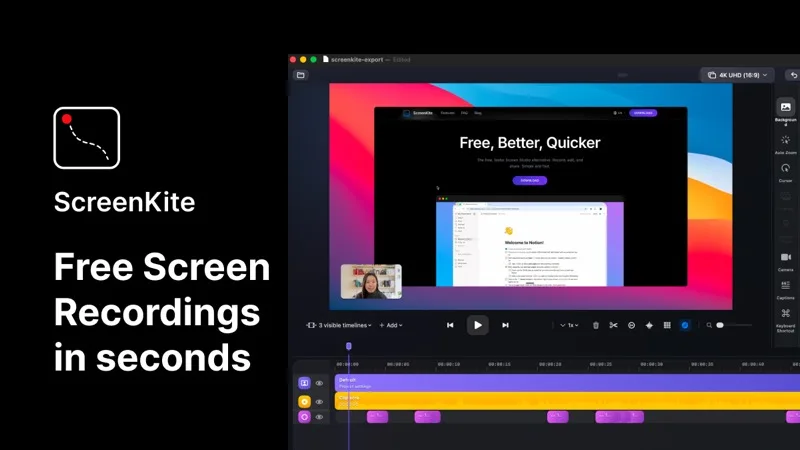
ScreenKite is a free, native macOS screen recorder built in Swift using Apple's ScreenCaptureKit and Metal frameworks. It auto-zooms into clicks and keystrokes as you record, producing polished demo videos without manual editing. It exports 3-4x faster than Screen Studio and is currently free with no watermark or account required. macOS 14.0+ only.
Cap
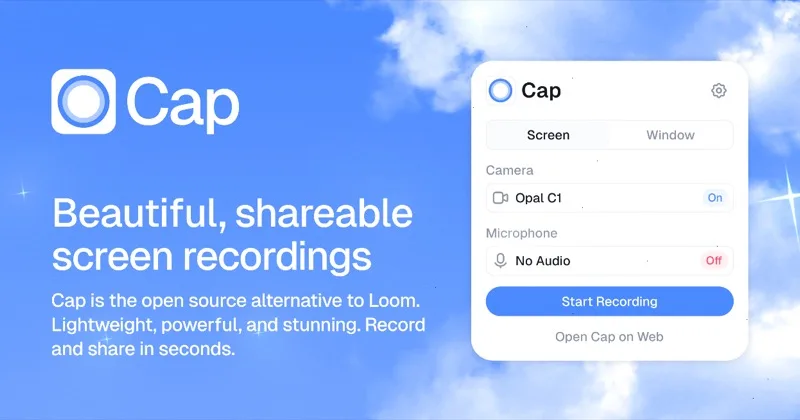
Cap is an open-source screen recorder offering automatic zoom, cursor smoothing, and a clean export workflow. It runs on macOS and Windows and is developing rapidly. A solid choice for users who want more polish than Kap without leaving the open-source ecosystem.
OBS Studio
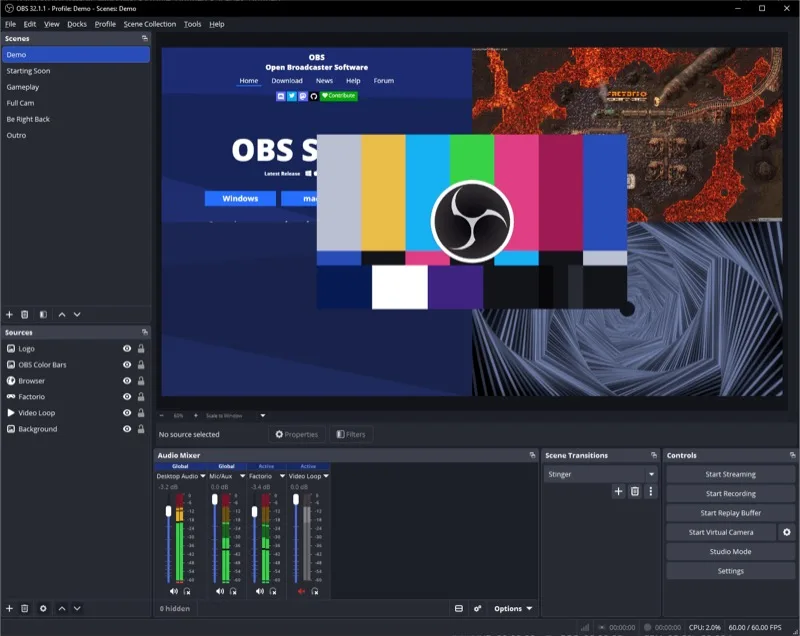
OBS Studio is a free, open-source screen recorder and streaming tool available on macOS, Windows, and Linux. It offers a scene-and-source system with extensive plugin support for highly flexible recording setups. Much more powerful than Kap, but with a steeper learning curve.
CleanShot X
CleanShot X is a macOS screenshot and screen recording utility that handles quick clips, scrolling captures, annotations, and GIF exports. Its recording features are solid alongside its screenshot capabilities. One-time purchase with optional cloud hosting.
Each tool trades off differently — native performance with auto-zoom, open-source flexibility, full streaming control, or all-in-one capture. Pick the one that matches how you actually record and share.