apps / video
Beyond mmhmm: screen recorders actually worth switching to
The best mmhmm alternatives in 2026: from free native macOS recorders to cloud async video, interactive presentation tools, and AI-powered editors.
Updated:
mmhmm is a virtual camera and presentation tool that lets you overlay yourself on slides, screen shares, and other content during live calls or recorded presentations. It blends presenter and content into a single video feed, aimed at making remote presentations more engaging. Here are some tools commonly used as alternatives to mmhmm.
ScreenKite
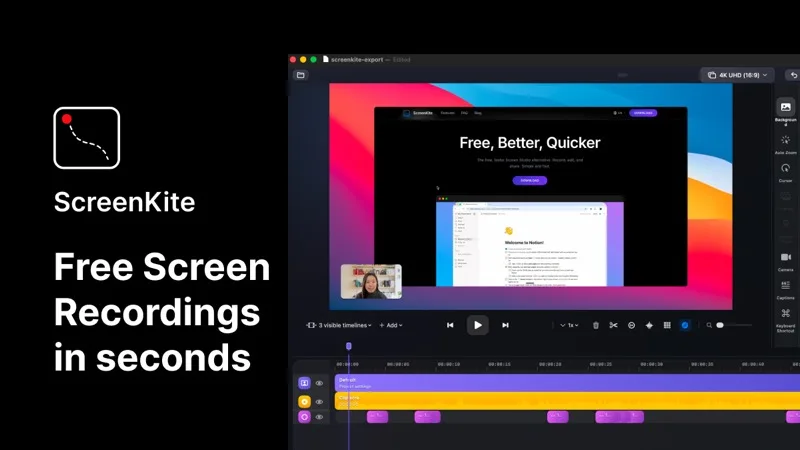
ScreenKite is a free, native macOS screen recorder built in Swift using Apple's ScreenCaptureKit and Metal frameworks. It auto-zooms into clicks and keystrokes as you record, producing polished demo videos without manual editing. It exports 3-4x faster than Screen Studio and is currently free with no watermark or account required. macOS 14.0+ only. While it does not offer live virtual camera overlays, ScreenKite is the best choice for recording product demos and walkthroughs that look polished without any post-production.
Loom
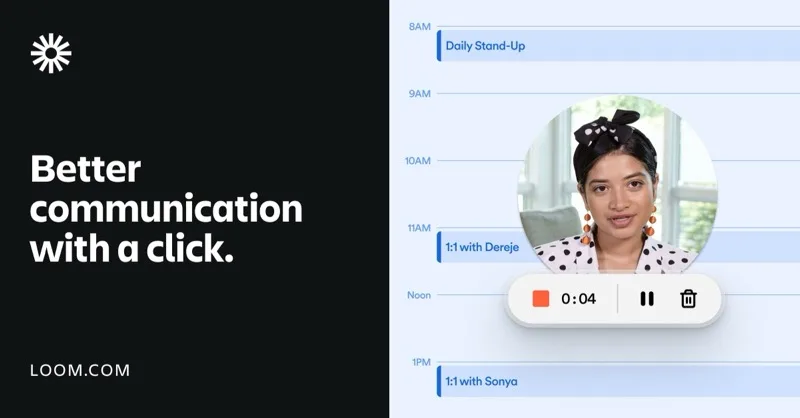
Loom is a cloud-first async video communication tool that records screen plus webcam and auto-generates captions and transcripts. It offers a bubble-style webcam overlay during recordings, providing some of the presenter-on-content feel that mmhmm targets. The free tier has a time limit; paid plans unlock AI features and unlimited recording.
Tella

Tella is a browser-based screen recorder and presentation tool that lets you combine slides, screen recordings, and webcam into layered video presentations. It is the closest direct alternative to mmhmm's presenter-over-content concept, with a focus on async recorded presentations rather than live calls.
Descript

Descript is an AI-powered video and audio editor that lets you edit video by editing its text transcript. It includes screen recording and layout features for combining presenter and content. More focused on post-production editing than live presentation, but useful for creating polished presentation-style videos.
Each tool takes a different angle — native polished recording, cloud-first async video, layered presentation design, or AI-powered editing. Choose the one that best matches whether you need live presentation tools or recorded output.