software / tools
Notion Alternatives Every Note-Taker Should Know
A look at the best Notion alternatives in 2026: from local-first to open-source self-hosted, from lightweight team wikis to all-in-one doc apps.
Updated:
Notion is an all-in-one online workspace that combines notes, docs, databases, and project management. With its flexible block editor and template ecosystem, it's become the digital workbench for many teams and individuals. Here are some tools commonly used as Notion alternatives.
Obsidian
Obsidian is a local-first Markdown note-taking tool that stores all data as plain text files on your own computer. It supports bidirectional linking, knowledge graphs, and a rich community plugin ecosystem. It works entirely offline and is very friendly for users with strong data privacy needs.
Logseq

Logseq is an open-source outliner-style note-taking tool built around bidirectional linking and journal-driven workflows, with all data saved as local Markdown or Org-mode files. Its block-level referencing and query features make it especially well-suited for research notes and knowledge management.
Anytype
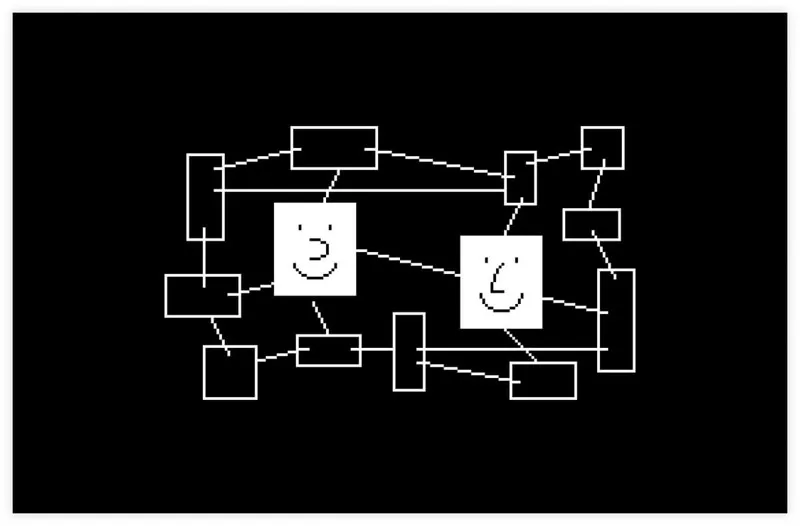
Anytype is an open-source, end-to-end encrypted knowledge management tool that syncs data through a peer-to-peer network without central servers. Its object-based data model and offline-first design make it a good fit for privacy-minded users who want full control over their data.
Coda

Coda combines documents, spreadsheets, and app building into a single platform, letting you embed interactive tables, buttons, and automation workflows within a single doc. Its team collaboration and workflow automation capabilities go deeper than Notion's.
AppFlowy
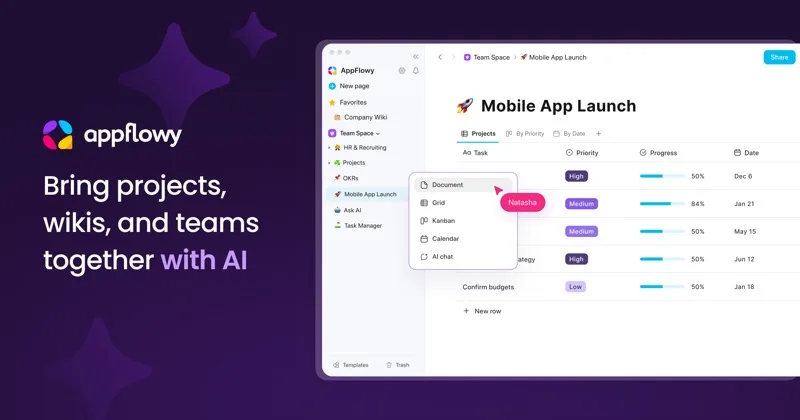
AppFlowy is an open-source Notion alternative offering similar document and kanban features while supporting self-hosting. Built with Rust and Flutter, it delivers solid performance and is a good fit for teams that want the Notion experience but need data sovereignty.
Nuclino

Nuclino is a lightweight team knowledge base that supports list, board, table, and visual graph views. Its editing experience is incredibly fast with almost no learning curve, making it ideal for small teams that just need a simple team wiki.
Each tool has a different focus and strengths — it's worth picking one or two based on what matters most to you, whether that's local storage, open source, team collaboration, or automation.