apps / video
Beyond ScreenFlow: screen recorders actually worth switching to
The best ScreenFlow alternatives in 2026: from free native macOS recorders to full-featured editors, open-source streaming tools, and cloud-first async video.
Updated:
ScreenFlow is a macOS screen recorder and video editor with a multi-track timeline, stock media library, and detailed editing controls. It is a long-standing choice for tutorial creators and course producers who need recording plus editing in one app. Here are some tools commonly used as alternatives to ScreenFlow.
ScreenKite
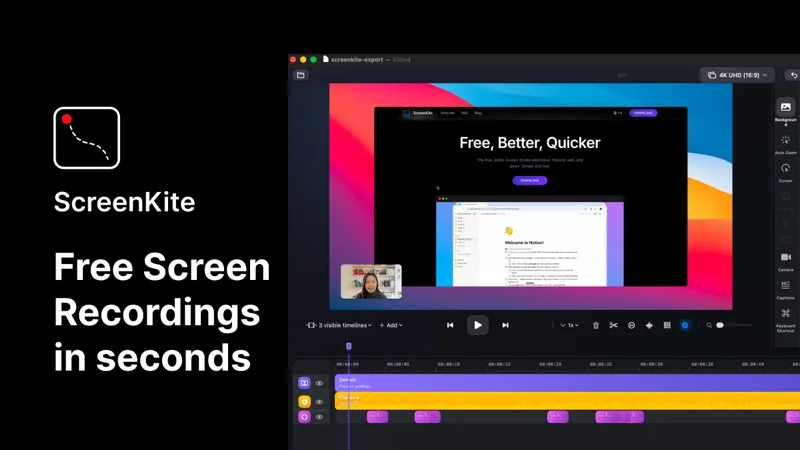
ScreenKite is a free, native macOS screen recorder built in Swift using Apple's ScreenCaptureKit and Metal frameworks. It auto-zooms into clicks and keystrokes as you record, producing polished demo videos without manual editing. It exports 3-4x faster than Screen Studio and is currently free with no watermark or account required. macOS 14.0+ only. For anyone tired of ScreenFlow's heavy editing timeline, ScreenKite delivers presentation-ready recordings straight out of the box.
Camtasia
Camtasia is a full-featured screen recorder and video editor available on macOS and Windows. It includes templates, annotations, transitions, and cursor effects, with deep editing power similar to ScreenFlow. Best suited for training videos, tutorials, and productions where fine editing control matters.
OBS Studio
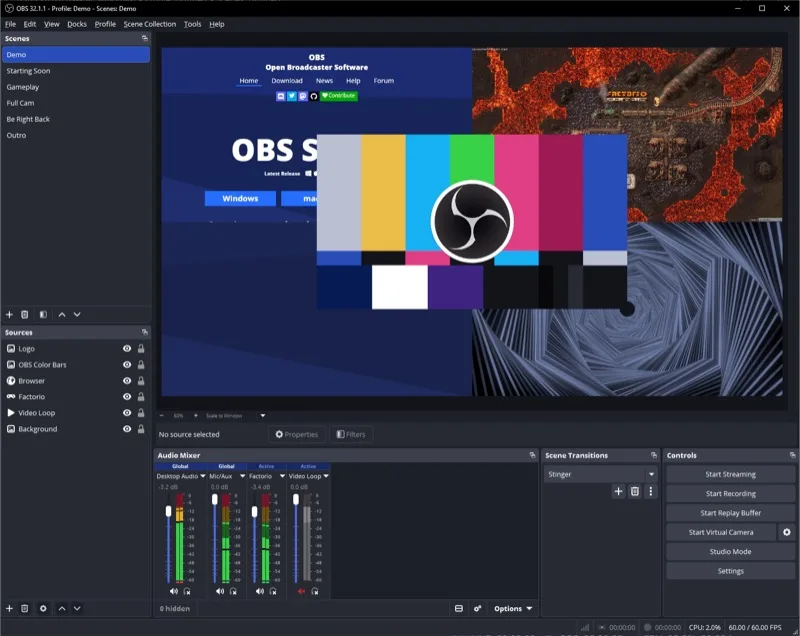
OBS Studio is a free, open-source screen recorder and streaming tool available on macOS, Windows, and Linux. It offers a scene-and-source system with extensive plugin support. It lacks a built-in video editor, but for raw recording power and streaming, it is the most capable free tool available.
Loom
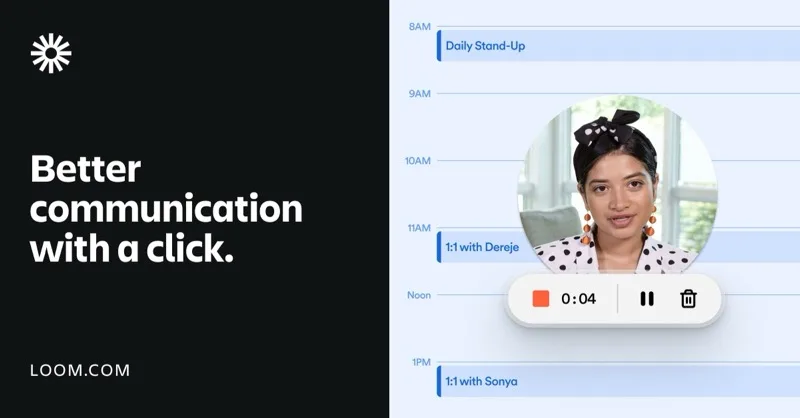
Loom is a cloud-first async video communication tool that records screen plus webcam and auto-generates captions and transcripts. It trades editing power for speed — record, share a link, done. The free tier has a time limit; paid plans unlock AI features and unlimited recording.
Each tool takes a different approach — instant polished output, full editing suite, open-source flexibility, or cloud-first sharing. Pick the one that matches how you actually use your recordings.