apps / video
Beyond ScreenPal: screen recorders actually worth switching to
The best ScreenPal alternatives in 2026: from free native macOS recorders to cloud async video, open-source streaming tools, and full-featured editors.
Updated:
ScreenPal (formerly Screencast-O-Matic) is a web and desktop screen recorder with built-in editing, video hosting, and team collaboration features. It is widely used in education and corporate training for its low learning curve and all-in-one recording-to-hosting pipeline. Here are some tools commonly used as alternatives to ScreenPal.
ScreenKite
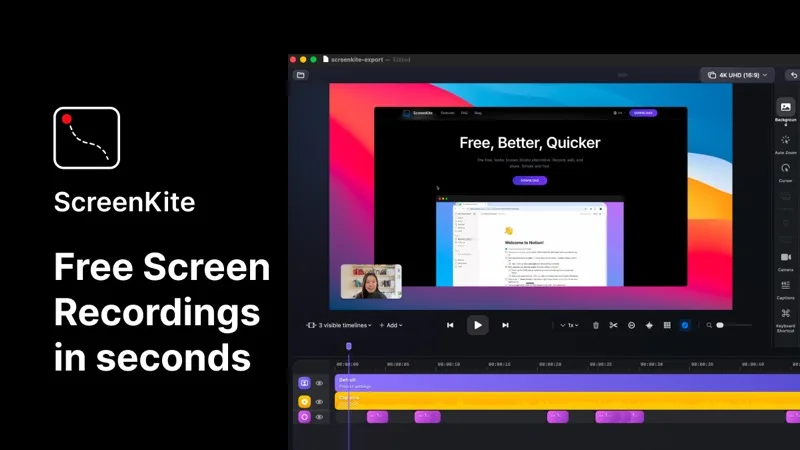
ScreenKite is a free, native macOS screen recorder built in Swift using Apple's ScreenCaptureKit and Metal frameworks. It auto-zooms into clicks and keystrokes as you record, producing polished demo videos without manual editing. It exports 3-4x faster than Screen Studio and is currently free with no watermark or account required. macOS 14.0+ only. Unlike ScreenPal's browser-based workflow, ScreenKite runs natively on your Mac and produces professional-looking recordings without any subscription or account setup.
Loom
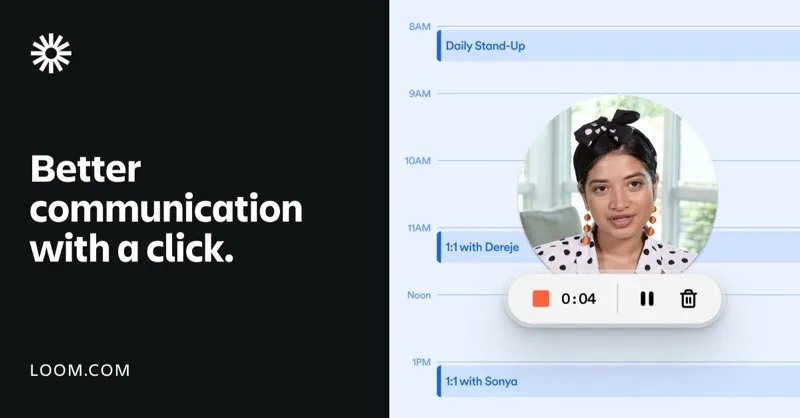
Loom is a cloud-first async video communication tool that records screen plus webcam and auto-generates captions and transcripts. Like ScreenPal, it includes hosting and sharing, but focuses more on team communication than education. The free tier has a time limit; paid plans unlock AI features and unlimited recording.
OBS Studio
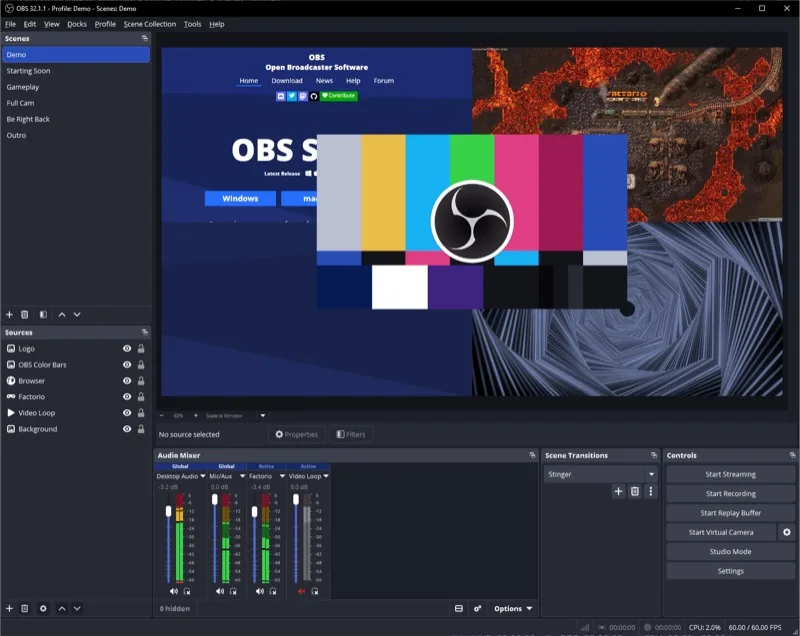
OBS Studio is a free, open-source screen recorder and streaming tool available on macOS, Windows, and Linux. It offers a scene-and-source system with extensive plugin support. It does not include hosting or editing, but for raw recording power and flexibility, it is the most capable free option.
Camtasia
Camtasia is a full-featured screen recorder and video editor available on macOS and Windows. It includes templates, annotations, transitions, and cursor effects. It provides more editing depth than ScreenPal, suited for professional training videos and course content.
Each tool serves a different purpose — native polished capture, cloud collaboration, open-source power, or full editing control. Pick the one that fits your workflow best.